AI explainer video generator

Type a topic. Get a finished explainer video.

Dynavids researches the subject, writes the script, records the voiceover, animates every scene and renders a captioned video for YouTube, Shorts, Reels or TikTok.

Free to try with 150 credits. Watch a real example · See how it works

Watch an example
YBYOUR BRANDPART 1 / 2The problem100 charactersinto 7Every link needs a tiny, unique aliasOriginal linkdyn.vd/aZ89xK253 million clicks a dayURL has to become just

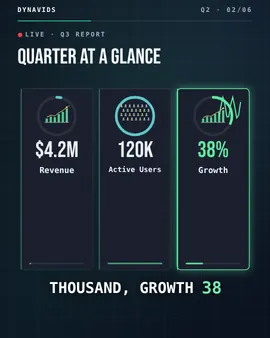
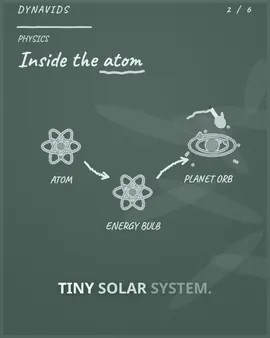
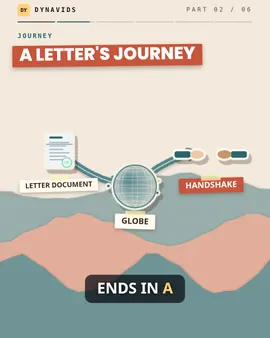
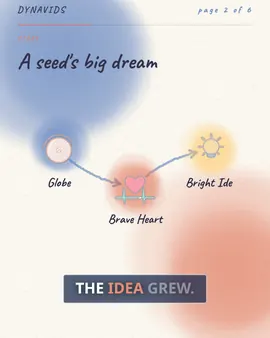
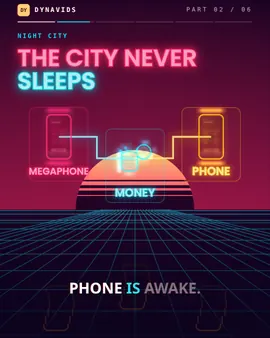
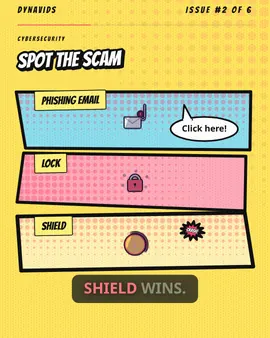
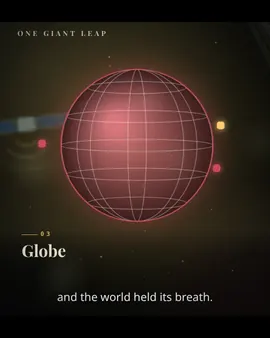
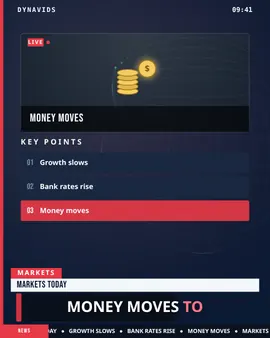
An illustrated example of the style Dynavids renders, not a recording.

Real videos, rendered by Dynavids

Not mockups or stock footage. Press play, then make your own from the same topic.

Tech explainer

How Google Maps finds your fastest route

Input
“How Google Maps finds your fastest route”
Format
9:16 · Shorts, Reels, TikTok
Length
0:57
Language
English
  • Hook and script written from the topic
  • AI voiceover with word-timed captions
  • Animated satellites, traffic layers and route diagrams
  • Chapter labels so the viewer always knows where they are
Make a video like this

Narration and captions in 17 languages, each in its own script

  • English
  • हिन्दी
  • Hinglish
  • Español
  • Français
  • Deutsch
  • Português
  • Italiano
  • Русский
  • العربية
  • 中文
  • 日本語
  • 한국어
  • বাংলা
  • मराठी
  • தமிழ்
  • తెలుగు

From topic to video in four steps

Run them all at once in auto mode, or stop after any step to review and edit.

  1. Research

    Start with a topic or your own sources: websites, PDFs, GitHub repositories and diagrams. Dynavids gathers the facts the video will stand on.

  2. Story & script

    A hook, a clear structure and a narration script written for the length and platform you chose, in the language you need.

  3. Voice & visuals

    Natural AI voiceover, motion graphics, animated diagrams and scene-by-scene visual direction that follows the narration word by word.

  4. Preview & render

    Watch every scene, regenerate what needs work, then render the finished MP4 with captions and your brand kit.

What goes into every video

Pick a feature to see what it looks like.

  • Websitedocs.example.com/oauth
  • PDFSecurity whitepaper.pdf
  • GitHubgithub.com/acme/api
  • Diagramlogin-flow.png
Research notes

OAuth 2.0 issues short-lived access tokens.

Refresh tokens rotate on every use.

Scopes limit what each app can read.

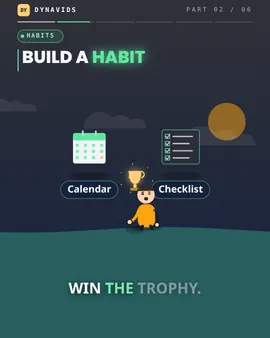
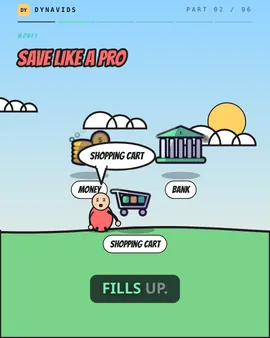
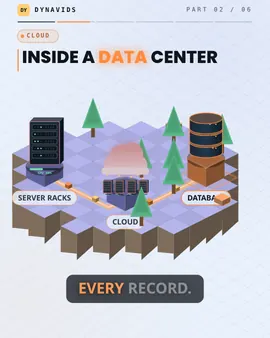
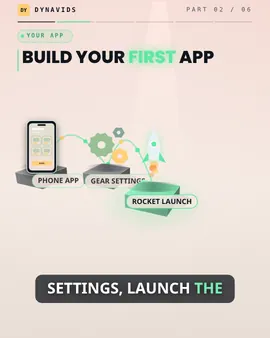
27 visual styles, each with its own animation engine

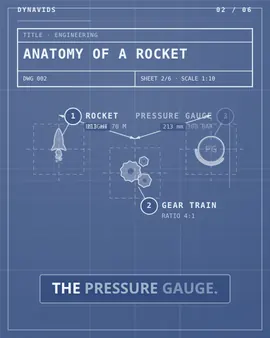
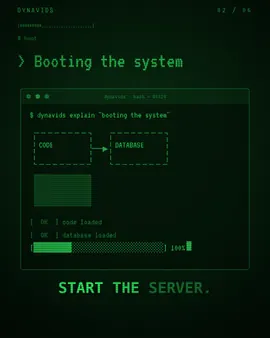
Whiteboard draws by hand, Isometric builds a little world, 3D moves a real camera, Kinetic Typography animates the narration itself. Hover a style to see it move. Eight styles are free.

Built to keep people watching

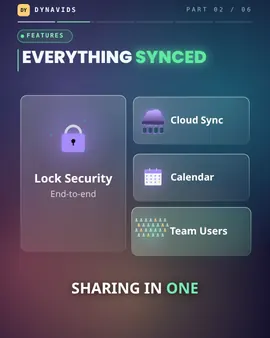
Ten-minute videos, mood music, presenters and a pacing check before you render.

  • Music that follows the mood

    Tense under the problem, uplifting under the solution, louder at the ending.

  • Presenter characters

    A character that blinks, speaks in time with the voice and points at each item.

  • Charts from your data

    Upload a CSV and the script stage turns it into real charts and tables.

  • Images that move

    Every uploaded image gets a slow zoom and pan instead of sitting still.

  • Highlighted captions

    Key words and numbers pop as they are spoken.

  • Shorts from long videos

    Cut a video into up to eight vertical clips, one per chapter.

  • 12 starter templates

    Top 10, Myth vs Fact, Investor Pitch and more, with structure filled in.

  • Pacing report

    Scores your scenes for weak hooks, rushed or static scenes, and missing chapters before you render.

  • Up to 10 minutes

    Chapters and re-hooks keep longer videos watchable.

Twenty categories

Each category changes how the script is written, how scenes move and how fast the video is cut.

Pay for finished minutes

A minute of Standard quality video costs 100 credits. Every step shows its cost before it runs, and failed steps are refunded.

Free Trial

$0to start

150 one-time credits

Try Dynavids with one-time starter credits.

  • About 1 minute of video
  • Up to 720p output
  • Watermarked renders
  • 1 project
Start free

Starter

$29per month

1,000 credits / month

For solo creators shipping consistent 1080p videos.

  • Up to 1080p, no watermark
  • 1 Brand Kit
  • Auto + Manual creation
  • Commercial use rights
Choose Starter

Questions people ask first

Something else? Write to hello@dynavids.com.

What is Dynavids?

Dynavids is an AI explainer video generator. You give it a topic or your own sources and it researches, writes the script, records an AI voiceover, designs animated scenes and renders a finished video with captions.

What kinds of videos can I make?

Twenty categories, from tech, business, finance and science explainers to tutorials, cartoons, anime, 3D explainers, infographics, product demos and social shorts, in 27 visual styles (8 free) and in 16:9, 9:16 or 1:1, up to 10 minutes.

Which languages are supported?

Narration and captions are available in 17 languages: English, Hindi, Hinglish, Spanish, French, German, Portuguese, Italian, Russian, Arabic, Chinese, Japanese, Korean, Bengali, Marathi, Tamil, Telugu. Captions use the native script of each language.

Can I use my own sources?

Yes. Add website links, PDFs, public GitHub repositories or diagrams. Dynavids uses them for research so the video explains your material, not a generic summary.

How does credit pricing work?

Finished video costs 100 credits per minute at Standard quality, 150 at High and 250 at Max. Each step shows its cost before it runs, and credits for a failed step are refunded automatically.

Is there a free trial?

Yes. The Free Trial includes 150 one-time credits, enough for about one minute of video at Standard quality.

Your first video is free.

Every account starts with 150 credits, enough for about a minute of finished video. Type a topic and see what Dynavids makes.

Your first video is free150 credits, about one minute

Start free